AI Content · 2026
AI Champion 2026 — Re:Member
A record of proposing a generative-AI platform for personal life records as a four-person team, and making a three-minute demo video from 55 image candidates and 22 clips in nine days. It did not pass the preliminary round.
OutcomeDid not pass the preliminary round · 2:58 demo video published
A Demo of a Platform That Brings Memories Back
Re:Member: Living Memory (‘Re:Member 살아있는 기억’) is a platform proposal: it draws a person’s memory scenes out through conversation with a digital human, brings those scenes back as images and video, and keeps them as a life record. We entered it in AI Champion 2026 as a four-person team of two professors and two researchers, and I handled the demo video. The name changed three times in ten days: from Re:Memory to Link: Memories of Generations (「링크: 세대의 기억」), then to Re:Member the day before submission.
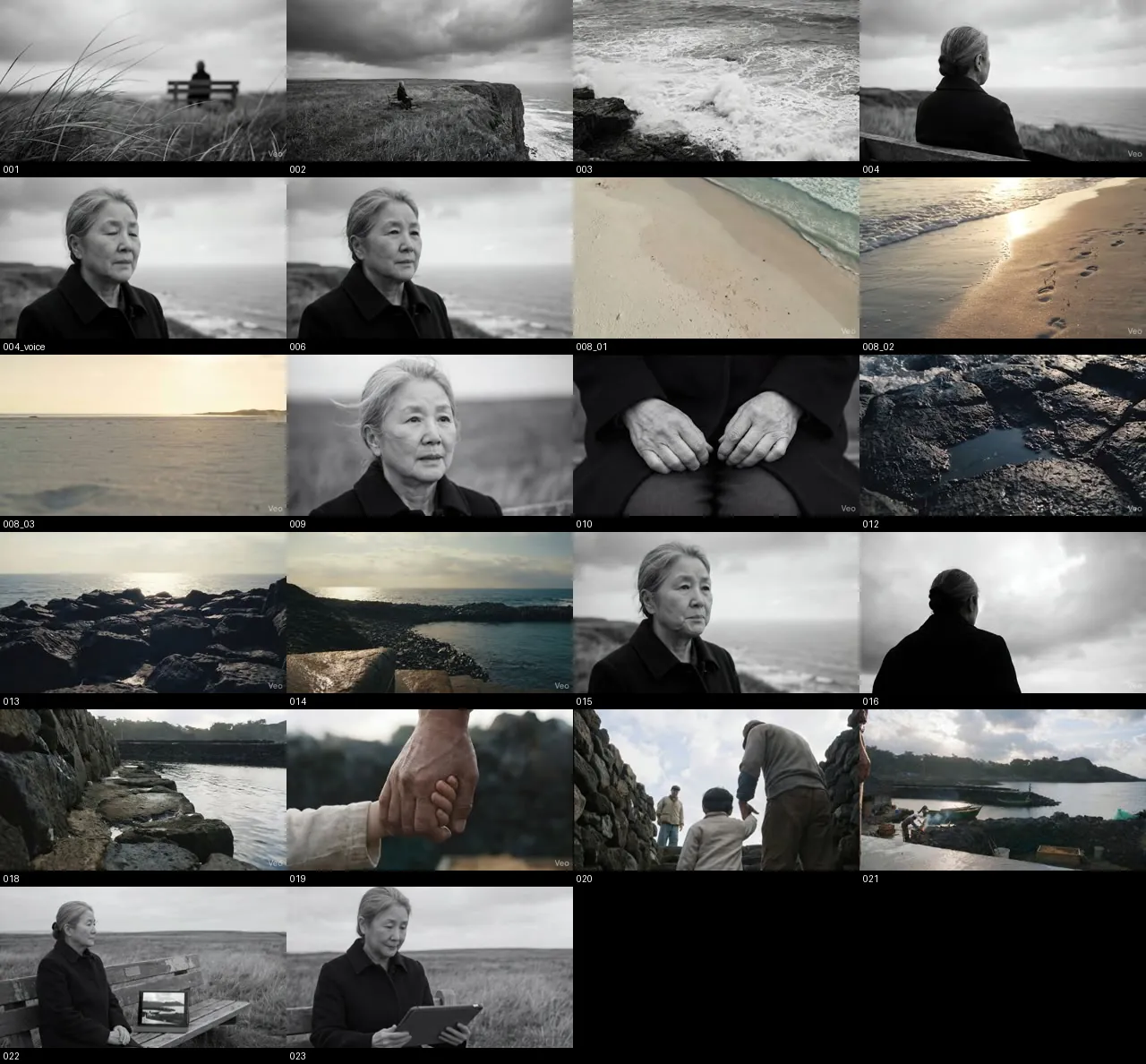
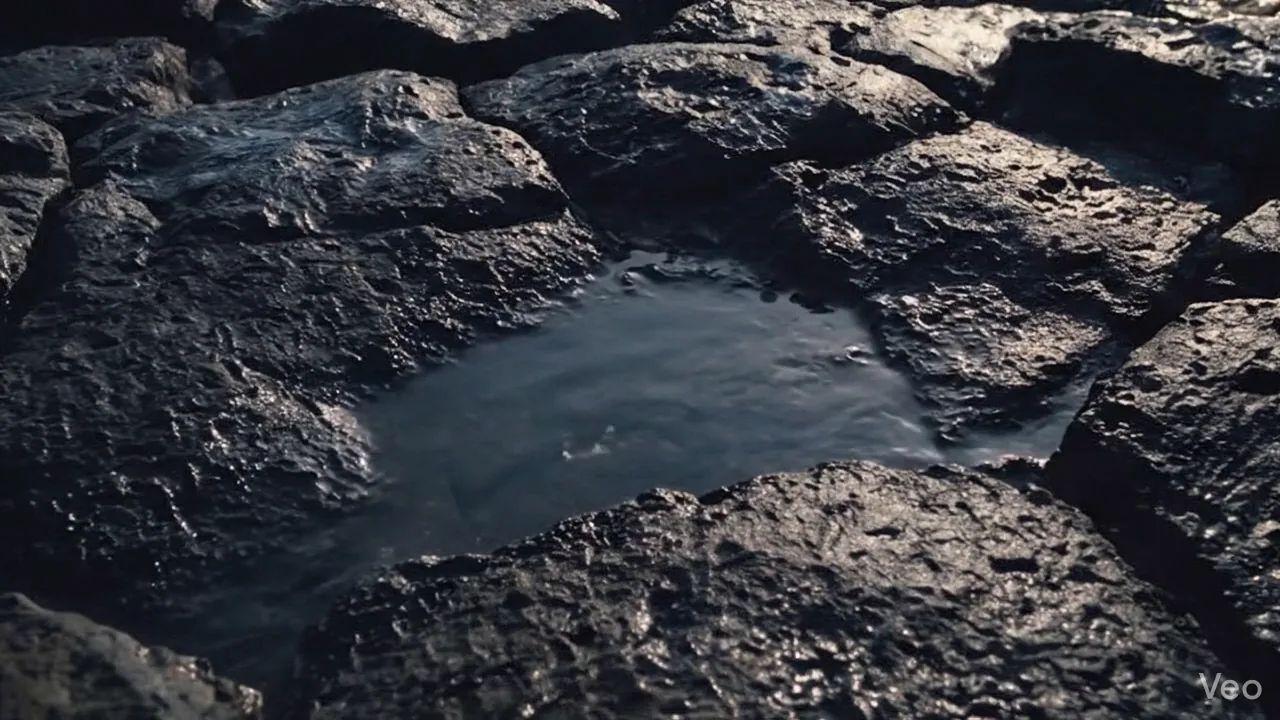
The video shows exactly what the platform does. When an elderly speaker says it was near the sea, a scene appears. When they correct it to a rocky shore, the scene changes. When they say it was a place like a harbor, a harbor with moored boats appears. The cycle — speak a memory, the AI offers a scene, fix what’s off, make it again — is edited in the same order as the lines.
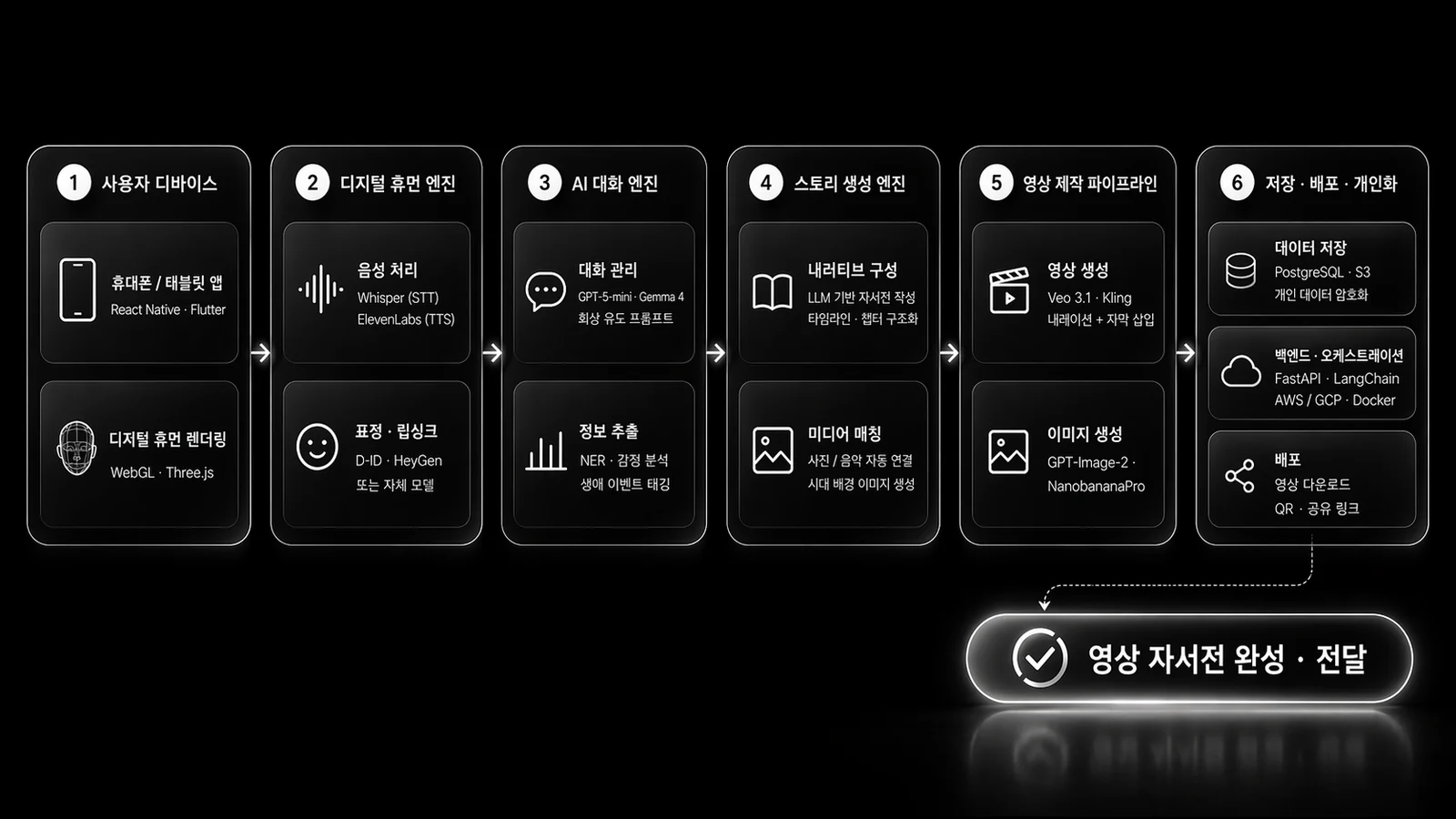
Nine Days of Production
| Date | Work |
|---|---|
| Apr 13 | Proposal draft |
| Apr 16 | Scene image generation: six 3×3 sheets and one single image (56 min) |
| Apr 17 | Organized video prompt schemas (Veo, Kling, Seedance, Nano Banana) |
| Apr 18, early morning | Generated 22 clips and a first cut in Premiere Pro, 2:21 (01:46–04:03) |
| Apr 22–23 | Added 5 dialogue shots and 4 Kling clips, made the system diagram |
| Apr 23–24 | Five After Effects versions, upscaling and overlays, final 2:58 render, submission |
| Stage | Tool | Input → Output |
|---|---|---|
| Images | GPT Image 2 | Scene prompt → 5504×3072 3×3 sheet. I got 9 options per scene at once and chose from 55. |
| Video | Veo 3.1, Kling 3.0 | Selected image + JSON prompt → 22 clips, 190 seconds of material |
| Dialogue and narration | Kling | Dialogue prompt with the speaker specified → shots and voice of the elderly speaker talking |
| Music | ElevenLabs | Prompt → background music |
| Editing | Premiere Pro | 21 clips + voice → 140-second first cut |
| Finishing | After Effects | First cut → HUD overlay, upscale to 1920×1004, end credits |
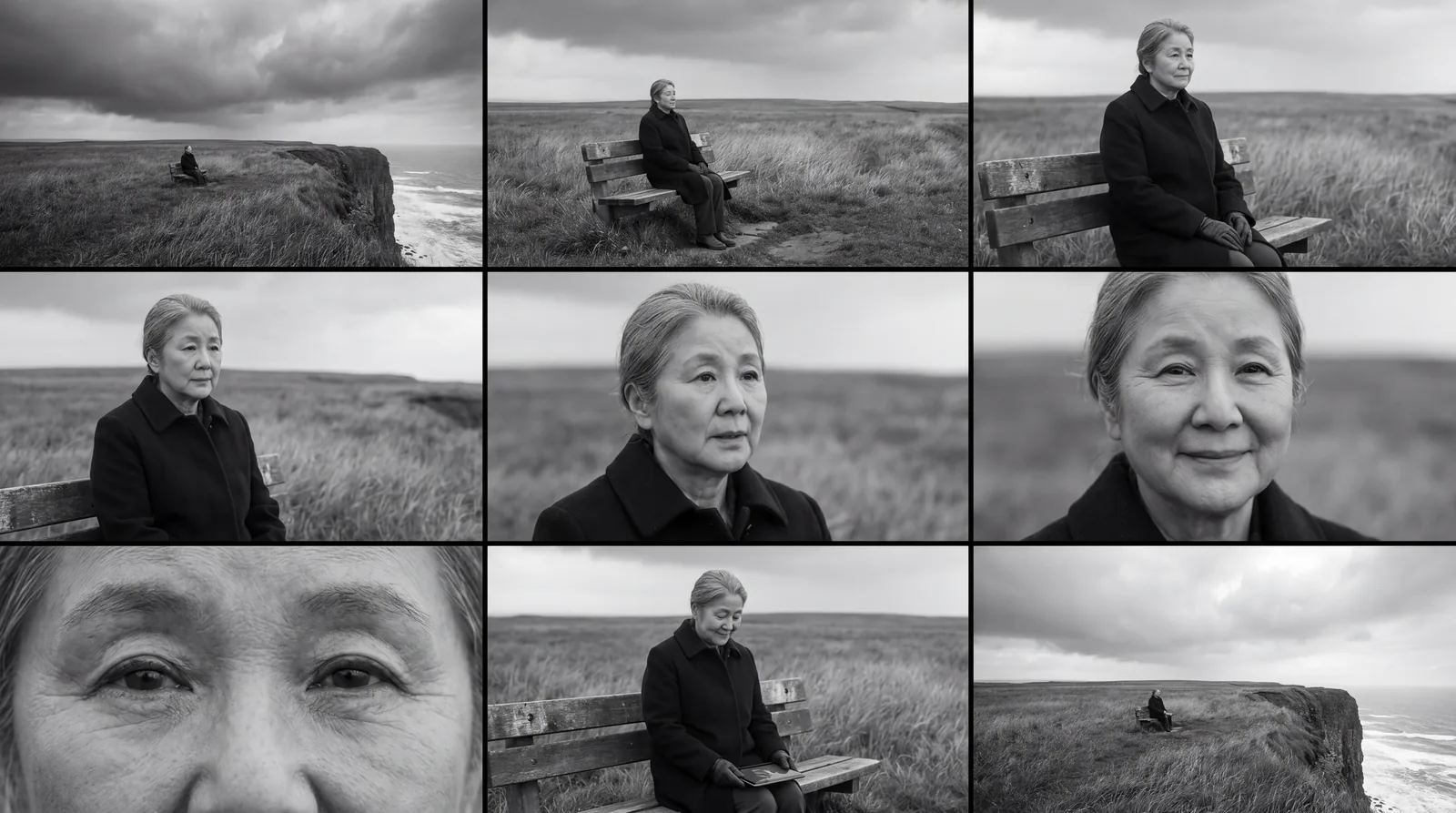
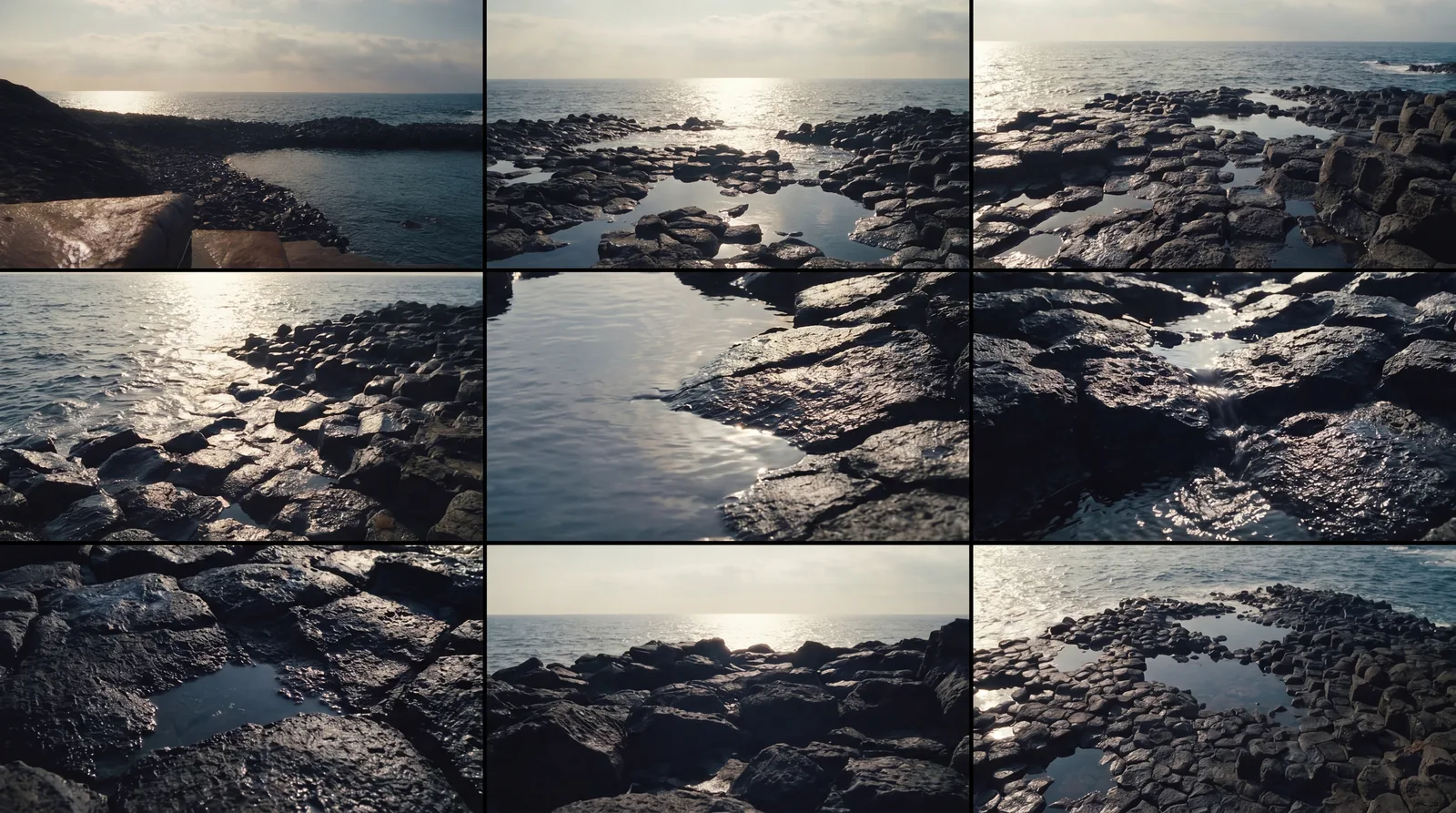
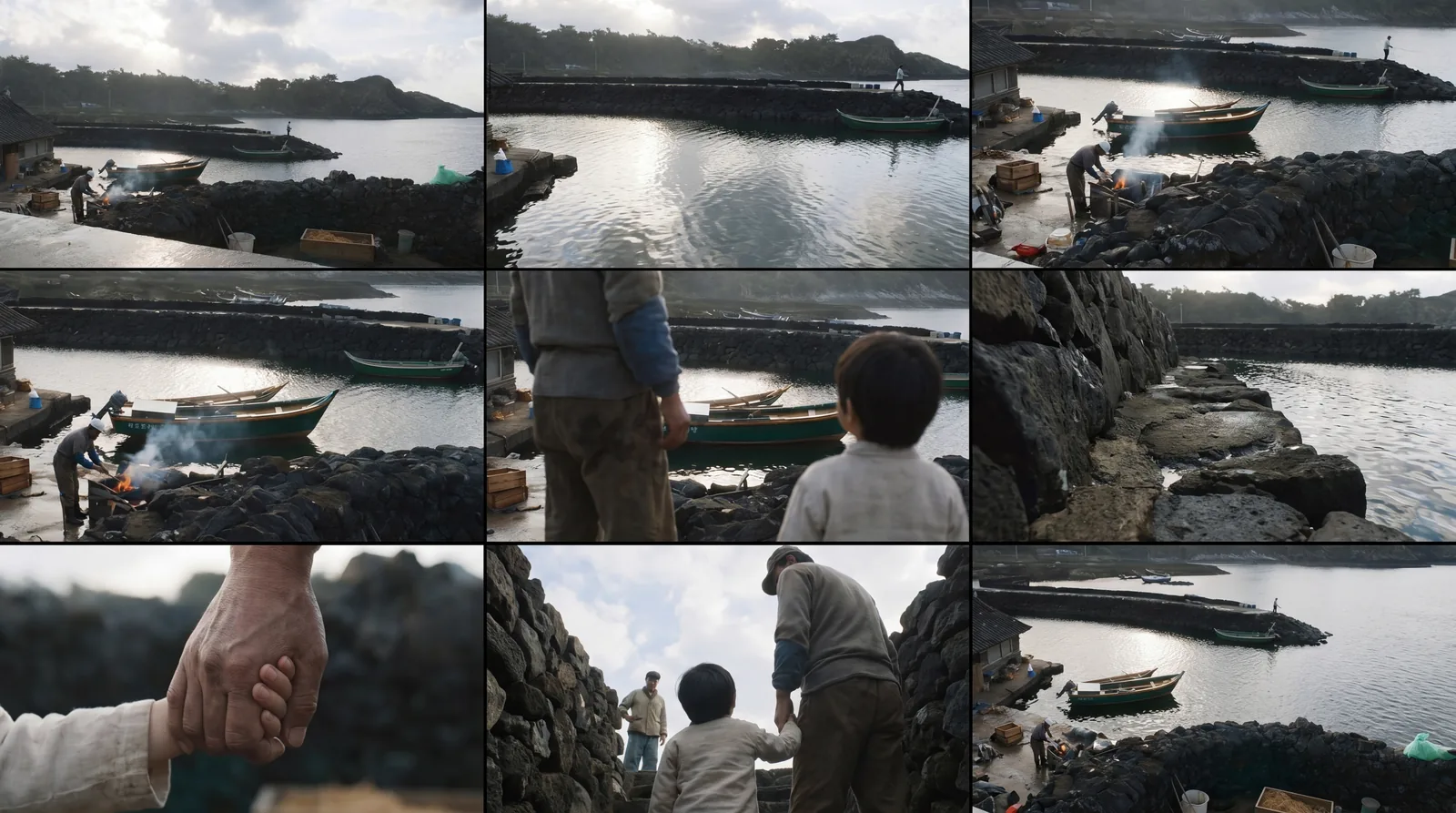
Prompts as JSON
I wrote the video prompts in JSON, with a separate schema for each tool. For Veo, I split six elements into keys: cinematography, subject, action, context, style, and audio. For Kling, I put more weight on performance and speaker assignment, attaching each line directly to the person saying it. The criteria I wrote in my working notes:
The key is to follow the five elements in the Veo guide and structure cinematography + subject + action + context + style/mood + audio. (핵심은 Veo 가이드의 5요소에 맞춰서, 촬영 문법 + 피사체 + 행동 + 맥락 + 스타일/분위기 + 오디오를 구조화하는 것.)
According to the guide, its strength lies in being specific about camera, shot, narrative, and audio. In particular, linking dialogue directly to the speaker gives better alignment in multi-character scenes. (가이드상 강점은 카메라/샷/내러티브/오디오를 구체적으로 적는 것에 있다. 특히 대사와 화자를 직접 연결하면 멀티 캐릭터 장면에서 더 잘 맞춘다.)
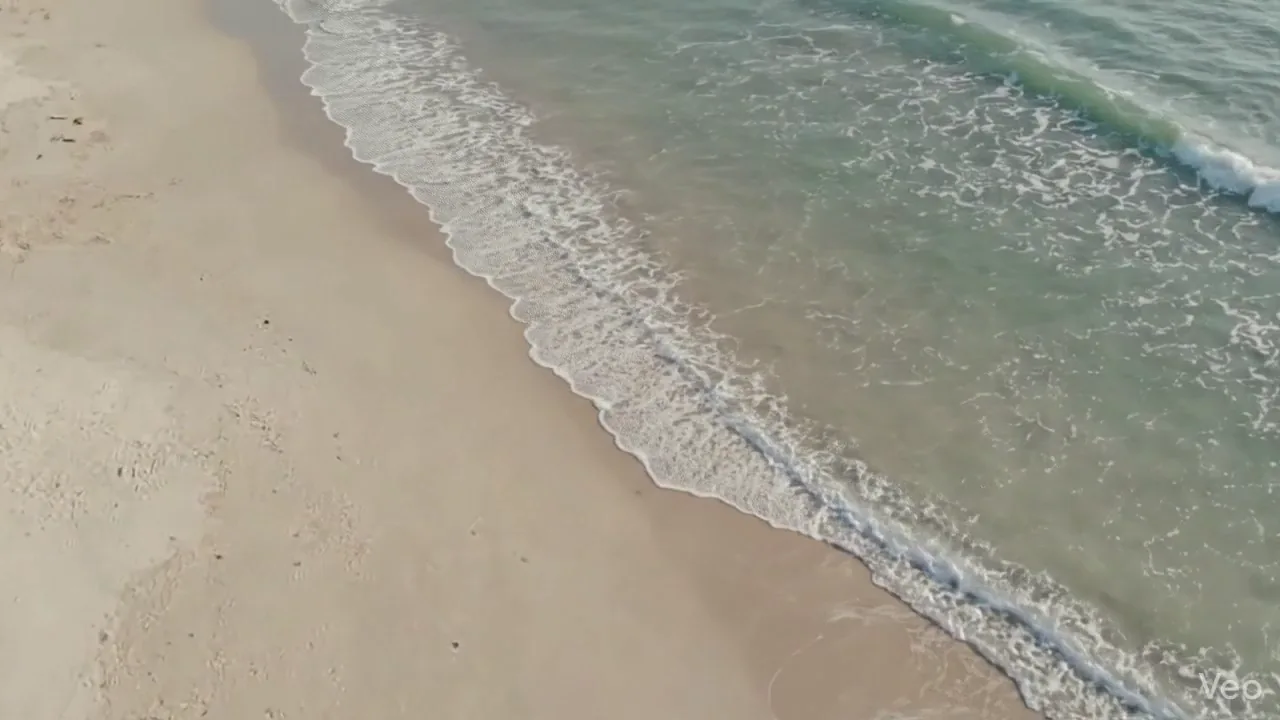
The clips that remained in the final film can be told apart by their file signatures. Veo clips are all 8 seconds and leave a mark in the corner of the frame; Kling clips vary in length from 6 to 15 seconds and carry dialogue.
| Source | Clips | Length | Use |
|---|---|---|---|
| Veo 3.1 | 14 | 8 s each | Landscapes, shots from behind, hand inserts |
| Kling 3.0 | 7 | 6–15 s | Shots of the elderly speaker talking, tablet scenes |
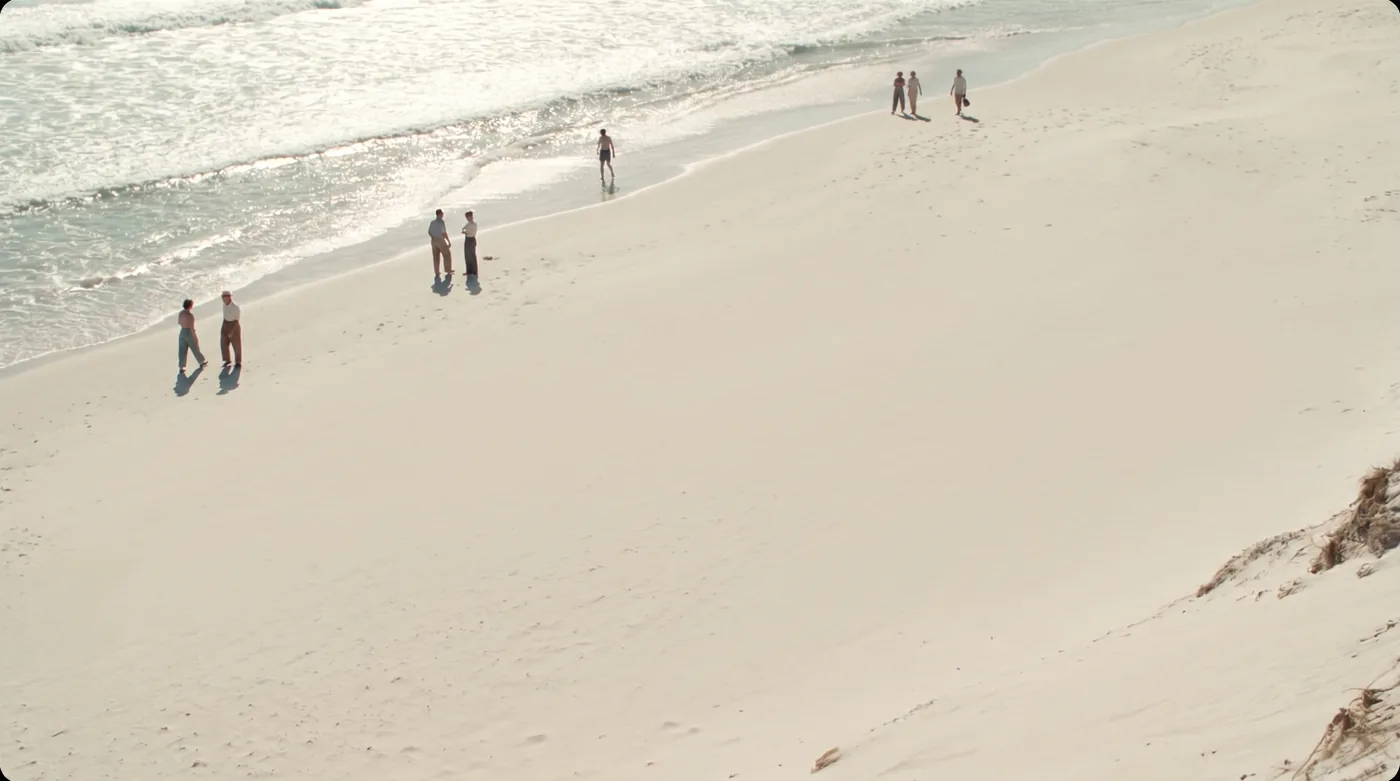
| Other | 1 | 8 s | Fishing boat in the harbor |
Editing and Finishing
In a little over two hours in the early morning of Apr 18, I made 22 clips and strung them together in Premiere Pro into a 2:21 cut. After sharing this first cut with the team, over the next five days I recorded five more dialogue shots and added four Kling clips. Finishing took five versions in After Effects. I placed HUD overlays on the right side of the frame — memory extraction detected, boats : 93%, scene reconstruction complete — to make visible how the platform pulls clues out of a memory. I upscaled the 1280×670 original to 1920×1004 and added slides on the process and expected impact, plus end credits. The final cut runs 2:58.
It did not pass the preliminary round. The video remains public as it is.